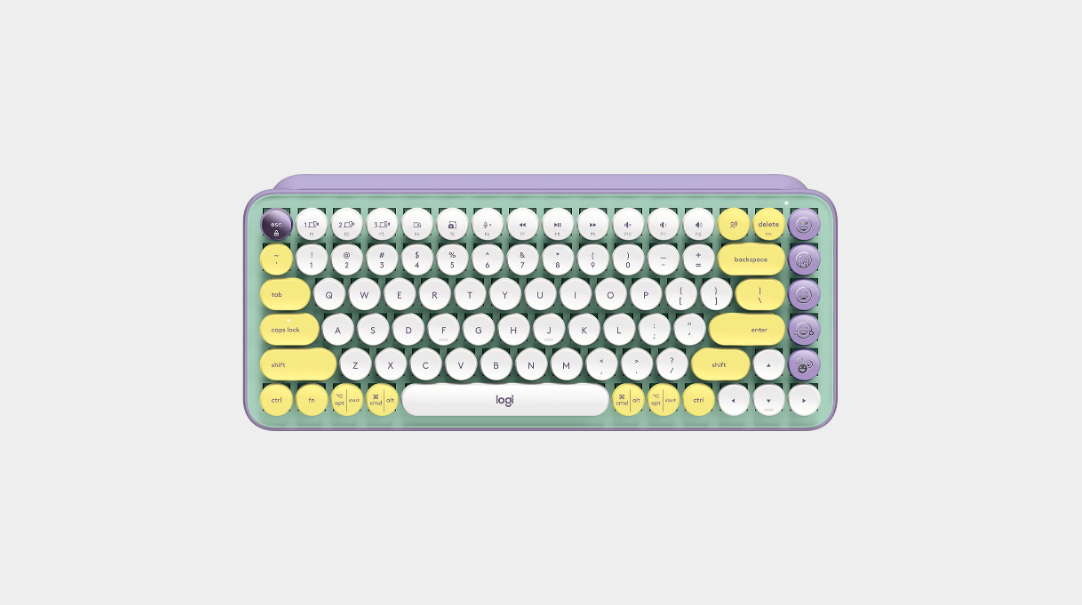
▶ TL;DRThe Logitech POP Keys is a style-first piece of hardware. It’s the perfect keyboard for someone who wants a fun, "poppy" vibe for casual use or social media updates. However, as my blogging hours have increased, the loud clack and the physical strain have started to wear on me. I’m currently looking for something more subtle, quiet, and full-sized.
The COVID Home-Office Glow-Up
Before the world shifted to working from home, I never gave much thought to my keyboard. A keyboard was just... a keyuboard. But as my desk became my permanent office, I realized I wanted a space that felt personal and inspiring. That’s when the Logitech POP Keys caught my eye. With its mint-purple palette and rounded keys, it looked less like a peripheral and more like a bowl of candy. I was sold on the 'pop-py' aesthetic immediately. Who wouldn't want to type on something that looks this fun?
The 'Typewriter' Experience
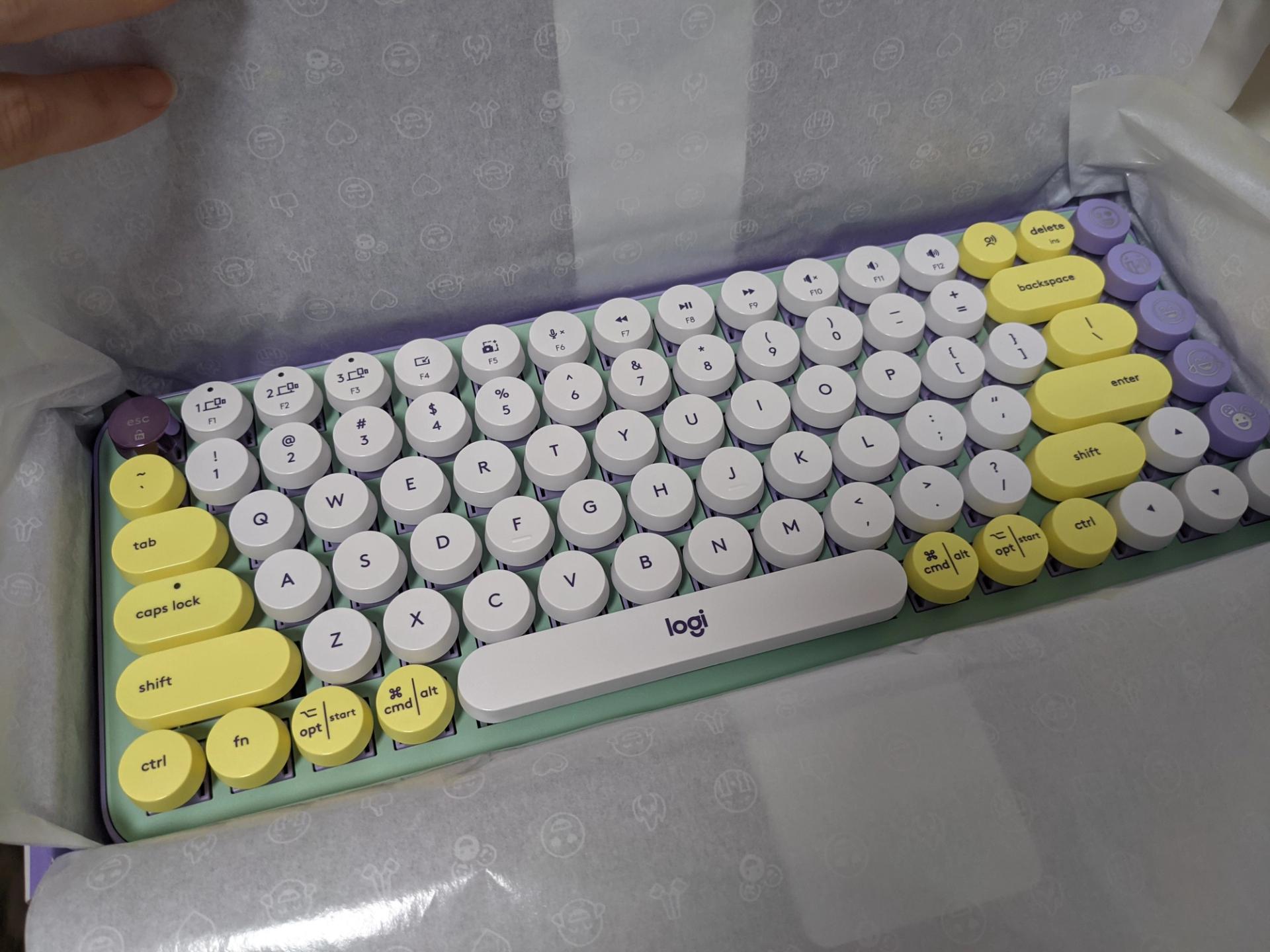
Let's talk about the feel. Logitech went full retro here. The "pop-py" colors and those distinct rounded keycaps are the stars of the show here. It has a heavy retro-typewriter aesthetic that stands out immediately.
The Feel: It's on the louder side of clicky. It’s a mechanical keyboard, but don't expect a premium "smooth" experience. It's more of a light, plastic 'clack-clack-clack.'
Tactile Feedback: There is a very specific "press and bounce" feel. It’s a bit of a heavy press, which adds to that old-school typewriter sensation.
Build: While the plastic feels a bit light/cheap in places, it actually matches the "toy-like" pop aesthetic Logitech was going for.
The Learning Curve (and the Typos)
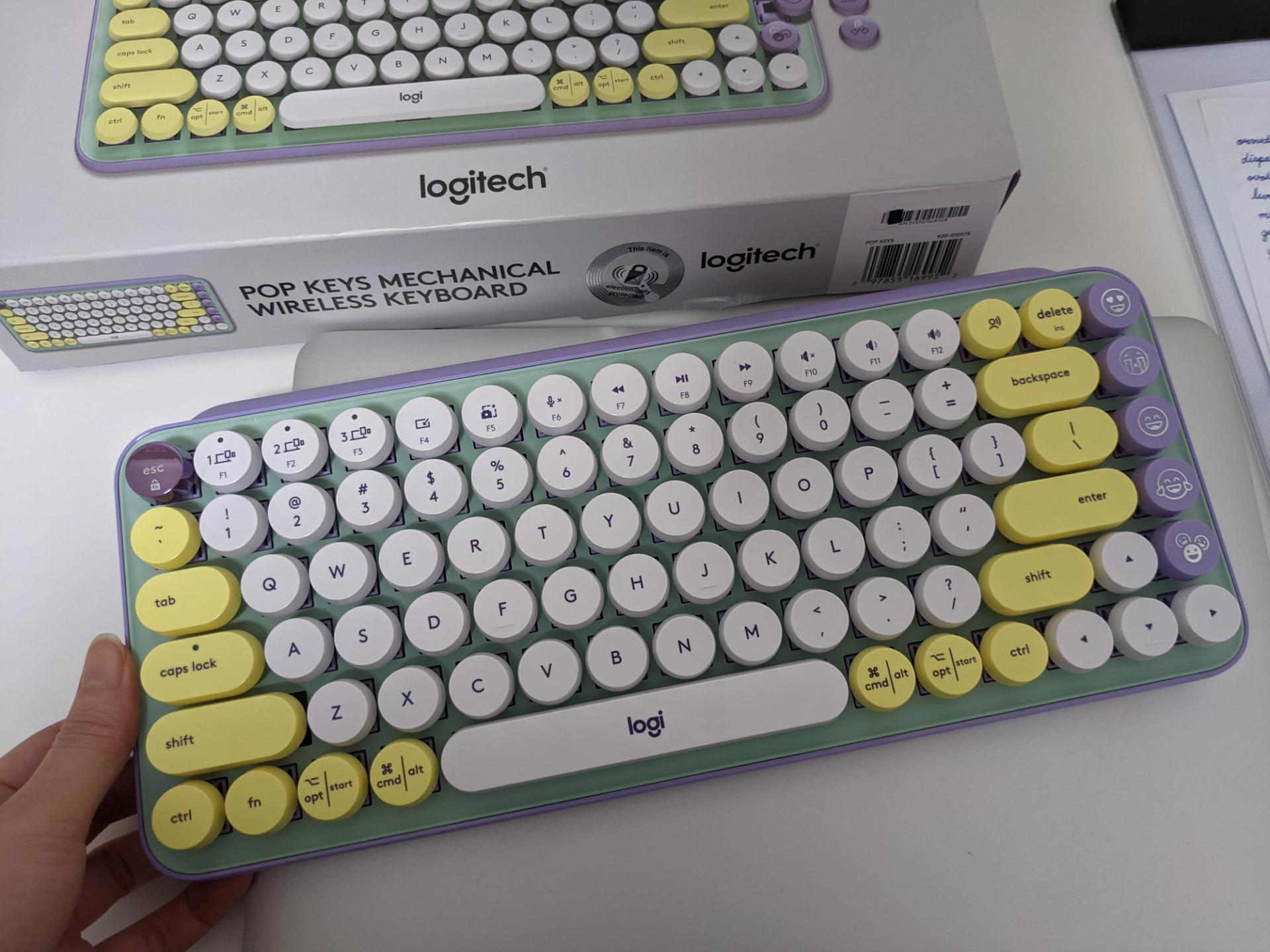
This isn't the most comfortable keyboard I’ve ever used. Because the keys are rounded and "pop" out, you have to be very intentional with your typing.
Accuracy: If you’re a fast, messy typist, be prepared for typos. I found myself hovering my hands higher and striking the keys harder than usual. Because of that higher hand position and the force required to press the right keys, I did notice some wrist fatigue after long sessions. It’s perfect for light emails or browsing, but maybe not for writing a 5,000-word essay or documentation (or some heavy online discussion?)
+ PROS
- Aesthetic queen with stunning clororways.
- Easy cleaning
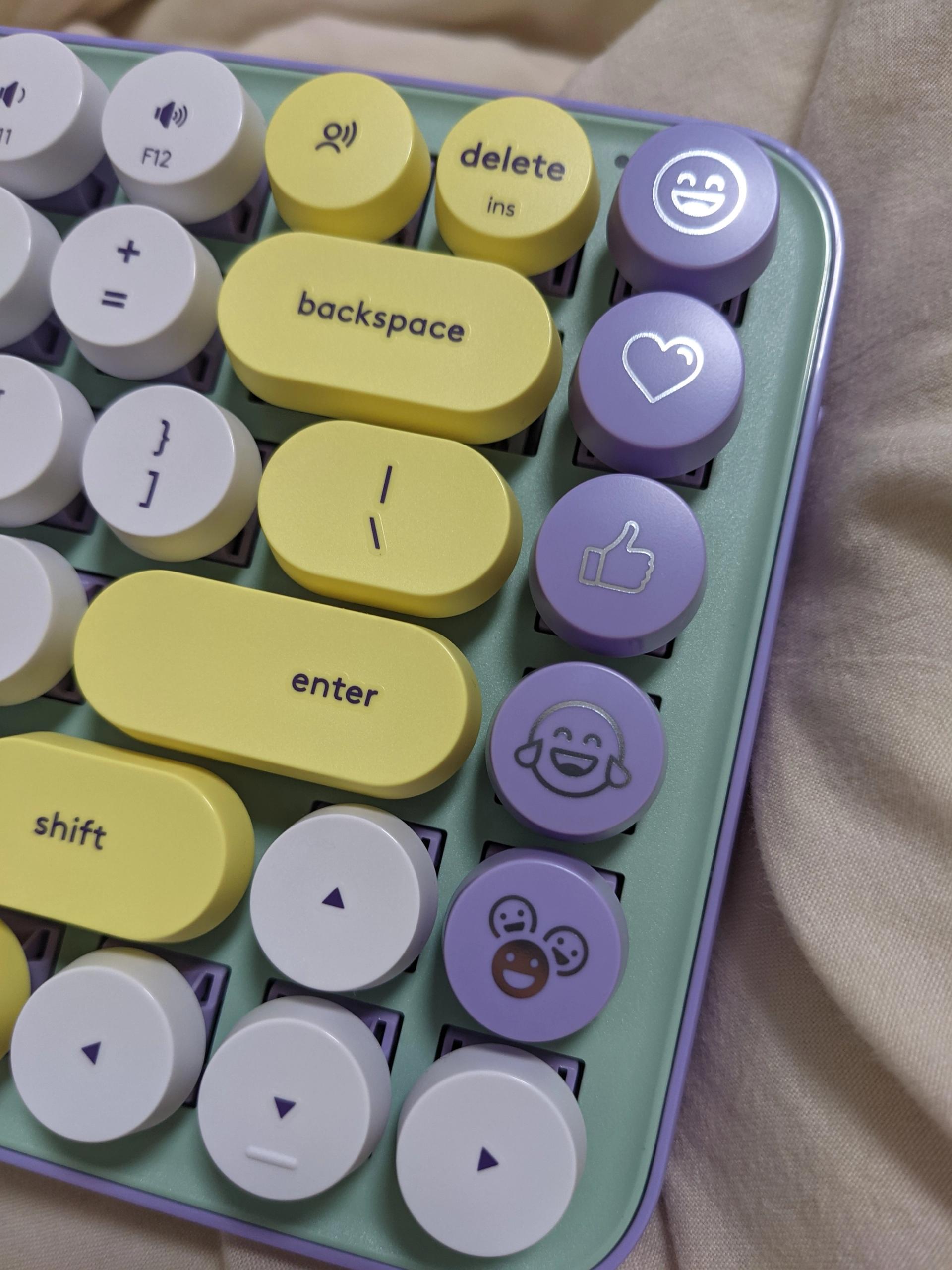
- Emoji magic
- Retro vibes
− CONS
- Wrist fatigue
- Typo trap
- Loud characteristic
Features: The Good, The Bad, and The Emoji
The Emoji Keys: This is the keyboard’s "party trick." I love the dedicated emoji keys on the right side. In a world of digital communication where tone is hard to convey, having a physical button for a "heart" or "laugh" emoji is surprisingly useful.
Multi-Device Woes: You can use it to switch between a Mac, Phone, or Tablet with those single dedicated keys. In my experience, this was a bit clunky . I eventually gave up on connecting my phone and kept it strictly for my Mac.
Reliability: I did have a major connection scare once that required a long call to tech support (which resolved well eventually). Also, the function keys (volume, etc.) can be a bit temperamental - mine recently reset and I haven't bothered to fix them.
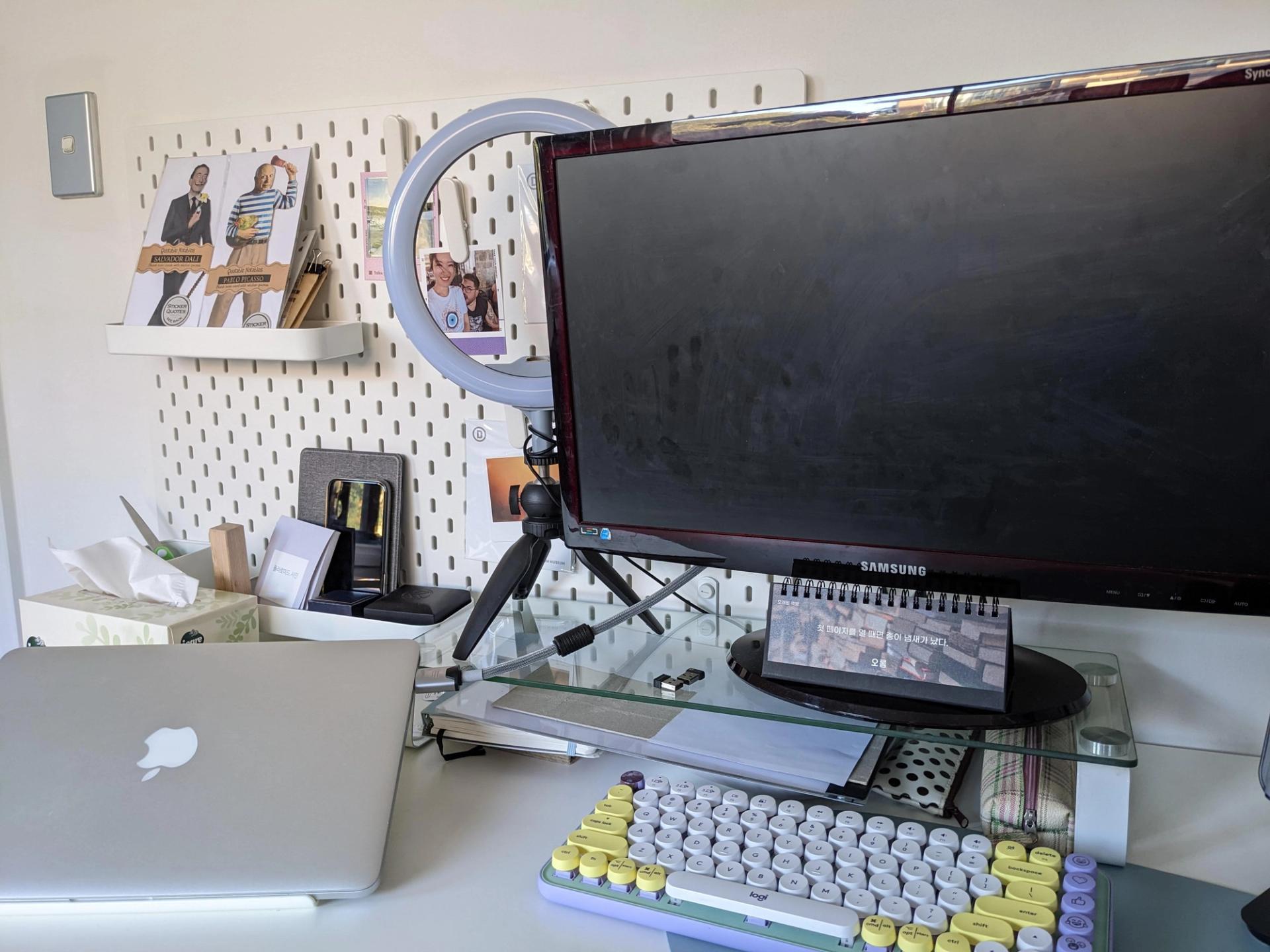
The Break-Up: Why I'm Moving On
As much as I love looking at this minty-fresh beauty, my typing needs have changed. As my blogging and work hours get longer, I've realised two things:
- I need a 'Shhh' factor: the loud click was fun at first, but now I'm craving something subtle, quiet, and smooth.
- I miss the Math: I've realised I really need a full-size layout. I miss my number pad!
Buy this if
Your desk is your stage, you love emojis, and you want to feel like a 1950s novelist in a pastel fever dream.
Skip this if
You are a high-speed touch typist or you need a quiet, ergonomic keyboard for 8+ hours of intense data entry or gaming.

PLAYER COMMENTS
LOADING...